
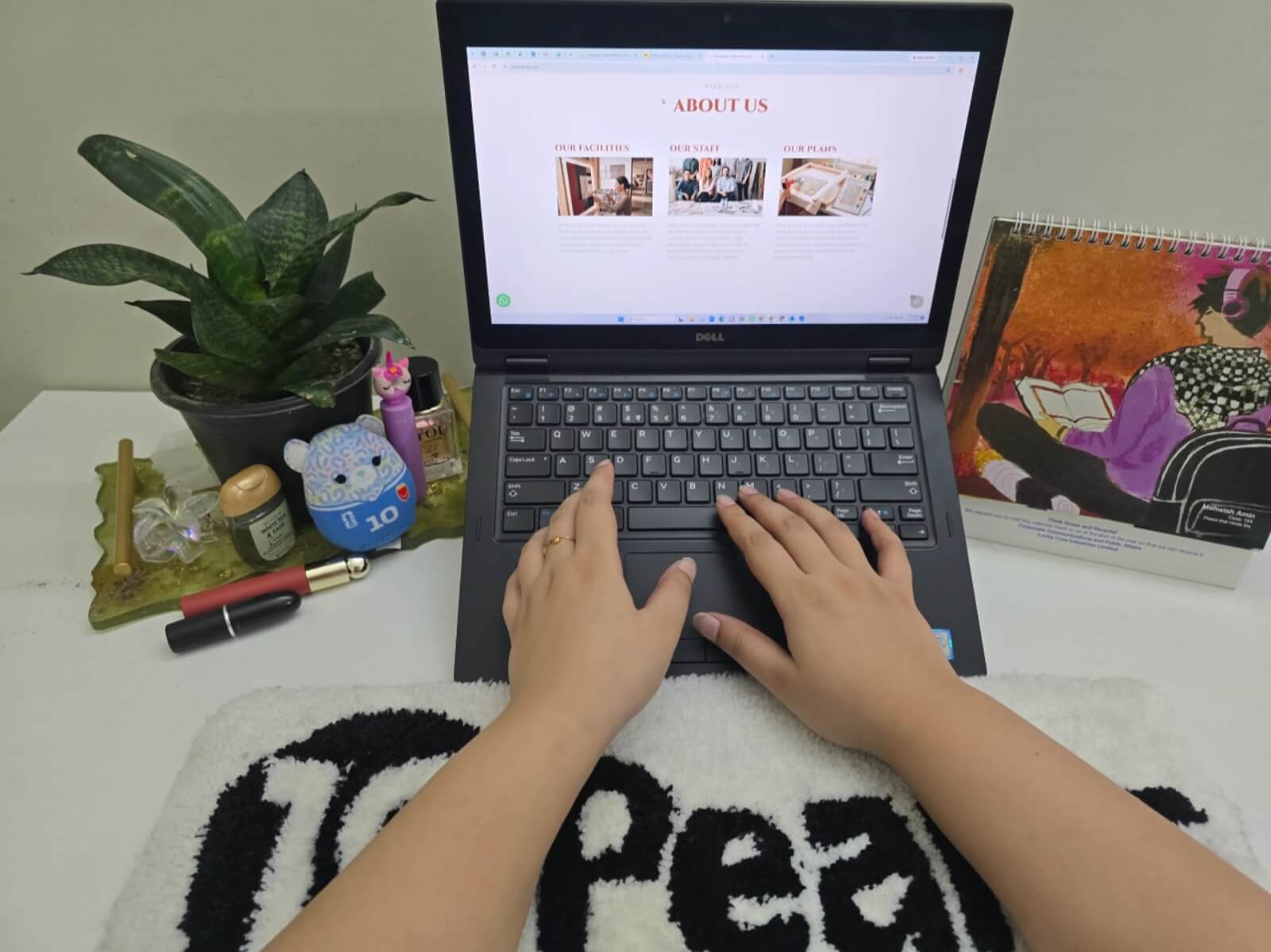
Most people who work at a computer spend the day at the same desk. Their hands go back to the same small space around the keyboard, again and again. That spot gets more use than most other parts of the desk. A keyboard rug gives that space a clear, comfortable surface. It can also make the desk look a bit more tidy. For companies, a branded keyboard rug brings the company’s look into a space employees see every day. This article covers how keyboard rugs fit into daily computer work, what to think about when picking one, and how a branded design can work on the desks employees already have.
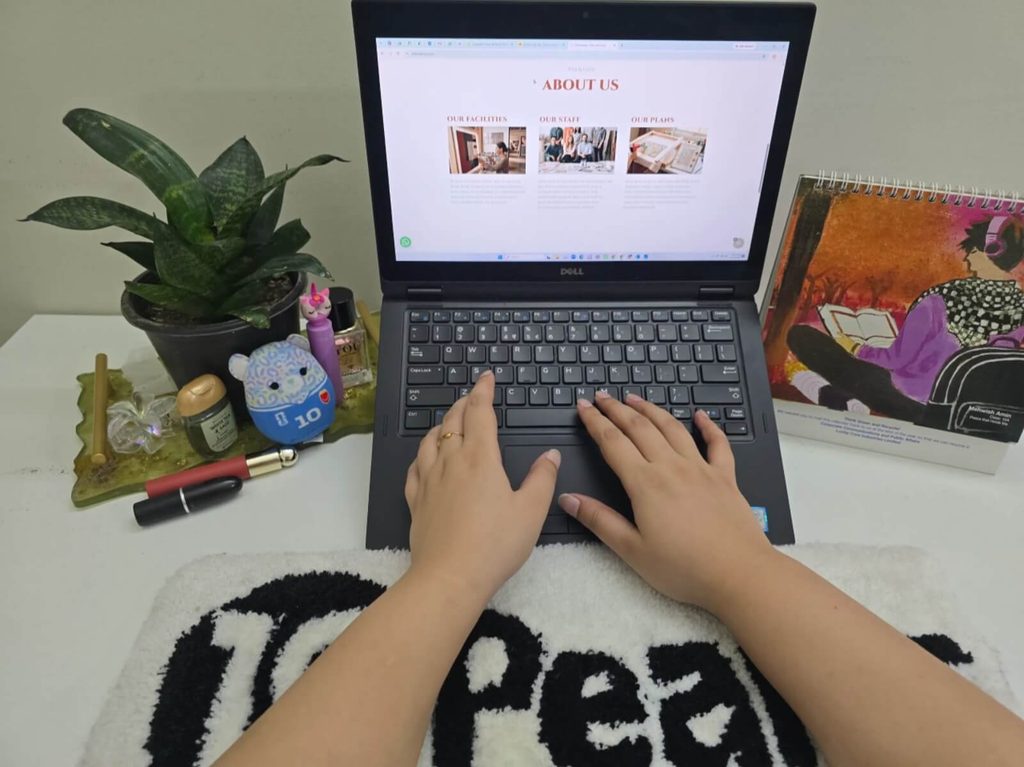
Why Your Keyboard Needs Protection When You Work From Home All Day
When you work at a computer for long hours, the keyboard area gets a lot of contact. Your hands rest there. Your wrists touch the desk nearby. The same small patch of surface gets used again and again, all day. A keyboard rug sits under and around the keyboard. It gives that spot its own surface, apart from the rest of the desk. It also helps mark out the keyboard area as its own space, which can make the desk feel more organized.
How this feels can depend on a few things: the type of keyboard you use, what your desk is made of, and how the rug itself is made. A thin rug feels different from a thicker one. A keyboard rug brings comfort to your workspace and it may also prevent keyboard from scratches.
How Keyboard Rugs Reduce Desk Fatigue During Long Work Hours
People often use the term “desk fatigue” to describe the tired or uncomfortable feeling that can build up after hours of sitting and typing. This can show up in different ways, like stiff hands, sore wrists, or just wanting to get up and move. The surface under your hands, wrists and keyboard, may play some part in how the desk feels over a long stretch, since it is the part you are in contact with most.
The feel and thickness of a keyboard rug can make a difference to daily comfort, simply because it changes what your hands and wrists rest on. A rug that fits your keyboard well also gives you room to place the keyboard where it feels right, instead of pushing it against the edge of a mat that is too small. A keyboard rug will not prevent pain or fix a medical problem, and it should not be treated that way. It is better to see it as one small part of a comfortable desk setup, along with things like your chair and monitor height.
A keyboard rug with a bit of padding can also soften the feel of a hard desk surface, which some people find more pleasant for long typing sessions. If the rug is wide enough to give your hands room to move, it can make small shifts in hand position feel more natural, instead of keeping your hands locked in one spot all day. Over a long stretch of work, small touches like this can add up to a desk that simply feels good to sit at.
What Size Keyboard Rug Should I Buy for My Home Office?
Size matters with a keyboard rug. A rug that is the wrong size can leave your keyboard hanging off the edge, or it can take up more desk space than you have to spare. The two main things to check are your keyboard’s width and how much desk space is around it.
If your desk is small, or your keyboard already takes up most of the space, a smaller rug will likely fit better. If you have a bigger desk, or want the rug to cover the whole keyboard area, a larger size makes sense. The best way to pick a size is to measure your desk space first, rather than guessing from the keyboard alone. If your desk has an unusual shape, custom sizing is worth looking into.
Size Checklist:
- Measure the available desk area.
- Measure the keyboard.
- Think about how much space is needed around the keyboard.
- Check that the rug will not hang over the edge of the desk.
- Think about the thickness of the rug and how it sits on the desk.
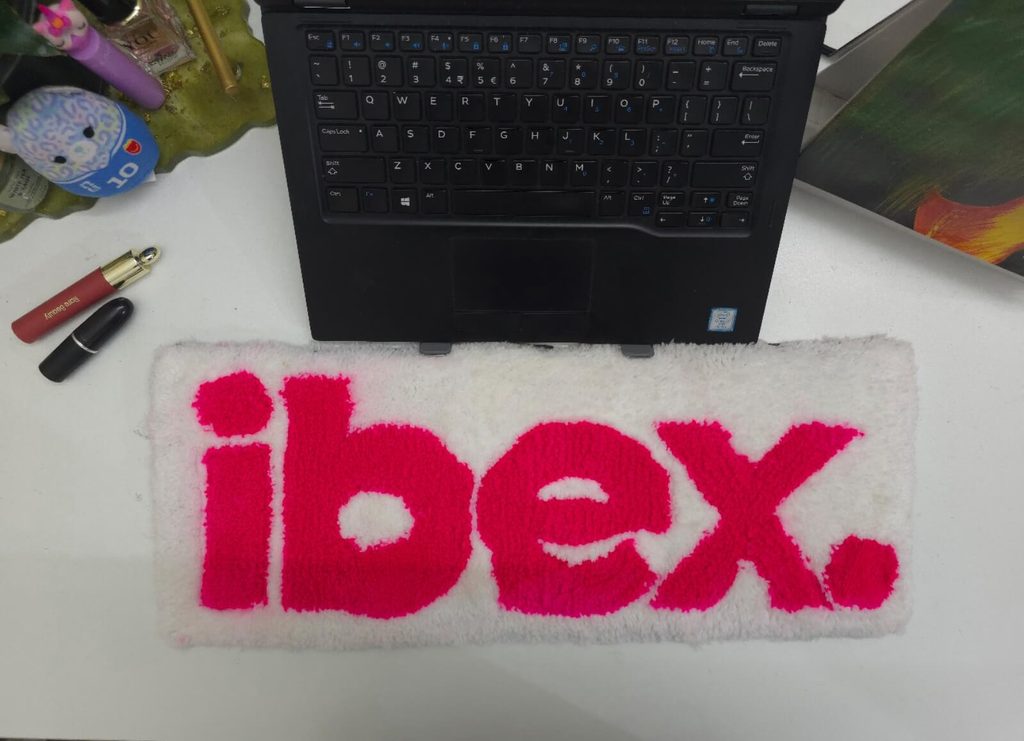
How Keyboard Rugs Fit Into an Employee’s Everyday Desk Setup
For someone who sits at the same desk for hours each day, a keyboard rug is a small addition that marks out the keyboard area. It does not ask for any change to the rest of the desk. There is no need for a new desk or a full setup change. The rug simply sits on the desk you already use, whether that is in an office or at home.
The main thing to check is that the desk surface underneath is clean, dry, and fairly flat, so the rug sits well and does not slide while you type. Past that, it comes down to matching the rug’s size to your workspace, the same way we covered in the sizing section. The goal is for the rug to fit into the setup you already use, not to make you rearrange things.
Choosing the Right Keyboard Rug Material and Construction
A keyboard rug gets used every working day, so material and construction are important to think about. A few things that are important to consider:
Surface feel: How the rug feels under your hands while typing.
Thickness: Thinner rugs sit lower, thicker ones give more cushion.
Durability: How well the rug holds up with daily use.
Ease of cleaning: How simple it is to keep the rug looking clean.
Overall build: How the rug is put together, including the edges.
Different materials come with different care needs. One rug might handle a damp cloth just fine, while another might need a different approach. Rather than assume every rug can be cleaned the same way, check the care instructions for the specific product before you start.
Keyboard Rug Comfort: What Should Employees Look For?
Comfort, for a keyboard rug, mostly comes down to whether the surface suits the time you spend at your desk. Thickness and texture both play a part here. A thicker rug feels different from a thin one, and a smooth surface feels different from a textured one. What feels good to one person may not feel the same to someone else, so this comes down to personal preference.
It also helps to check whether the rug stays in place while you type, since a rug that slides around is not much use. And like sizing, comfort depends on the rug fitting your actual desk setup. A rug that feels good on its own but does not match your keyboard or mouse position will not help much.Comfort here just means how comfortable the desk feels to use day to day.
Keeping a Keyboard Rug Clean During Everyday Office Use
A keyboard rug sits in a spot that gets a lot of contact, so it will pick up dust and everyday debris over time, much like any part of the desk. Keyboards are among the most touched, and least cleaned, surfaces people use each day. That is part of why it is important spending a small amount of time keeping the area clean.
A few simple habits help:
- Remove loose dust on a regular basis.
- Follow the manufacturer’s cleaning instructions for your specific rug.
- Check the material before using any cleaning product on it.
- Skip cleaning methods that do not suit how the rug is made.
Keeping up with this kind of care helps the rug stay in good shape for everyday use, so it does not need replacing sooner than expected.
How Branded Keyboard Rugs Can Improve the Everyday Employee Workspace
A branded keyboard rug is simply an extension of the workspace a company already provides. It sits alongside everything else on an employee’s desk, rather than replacing anything. A company logo, brand colours, or an approved design can be worked into the rug, so it becomes a small, steady part of the company’s presence at each desk.
This is important to think about employees at their existing desks. When the same branded design shows up across a team’s desks, whether people work in the office, from home, or a mix of both, it adds a small sense of consistency to daily work. So, the design still needs to work well as a keyboard rug first. Looks should not come at the cost of everyday use.
Keyboard Rugs for Office, Remote and Hybrid Employees
Office Employees
At a fixed office desk, a keyboard rug can be part of a consistent look across a team, especially if a company picks one branded design for a whole floor or department.
Remote Employees
For someone working from a home-office desk, a keyboard rug fits into the setup they already have. The value here is in daily, practical use. The rug is there because it gets used every day, not because it came in a one-time welcome box.
Hybrid Employees
Employees who split time between home and office may end up using a keyboard rug in both places, depending on how each desk is set up. Size and how easy the rug is to move around are worth checking for anyone who is not at the same desk every day.
What Should Companies Consider Before Ordering Keyboard Rugs for Employees?
- Number of employees and workspaces.
- Keyboard rug dimensions.
- Material and construction.
- Cleaning and maintenance needs.
- Company logo and branding needs.
- Whether employees work at office, home, or hybrid desks.
- Whether custom sizes or designs are needed.
- How the rug will fit into desks employees already use.
Conclusion
A keyboard rug is a small, practical addition to the part of the desk that gets the most daily use. The main points to think through are size, material, construction, comfort, and how well it fits an employee’s existing desk, whether that is in an office, at home, or both. A branded design can bring a bit of company identity into that everyday space, without asking employees to change how their desk is set up. Onboarding kits and workplace gifts are worth a look too. The main reason to choose a keyboard rug is that it gets used every day, right where employees already work.
If you are thinking about keyboard rugs for your team, Pile & Loop’s keyboard rug
FAQs
Why are keyboard rugs useful for employees who work at a computer all day?
A keyboard rug gives the keyboard area its own defined surface and fits into the desk setup an employee already uses, without asking for any change to their workstation.
Why does your keyboard need protection when you work from home all day?
The keyboard area gets regular contact through a long workday. A keyboard rug gives that spot an extra surface, apart from the rest of the desk.
How do keyboard rugs reduce desk fatigue during long work hours?
The feel, thickness, and size of a keyboard rug can affect daily comfort at the desk, since it is the surface your hands and wrists touch for hours. It is a small part of a comfortable setup, not a fix for pain or medical issues.
What size keyboard rug should I buy for my home office?
Measure your keyboard and desk space before you pick a size. Smaller rugs suit compact desks, larger ones suit desks with more room, and custom sizing is worth a look for desks with an unusual shape.
Are keyboard rugs useful for hybrid employees?
Yes. Employees who split time between home and office can use a keyboard rug in either setup. Size and how easy it is to move are worth checking for anyone who is not at the same desk each day.
Research Resources
Source title
Desk Mat Guide for Mechanical Keyboards
Publisher
https://kineticlabs.com/blog/desk-mat-guide-mechanical-keyboards
Information used
Keyboard Rug, how they bring comfort to the workspace. Difference in size, material and design.
[…] fixed price exists for custom name rugsyour final quote depends on size, material, design complexity, and customization […]