
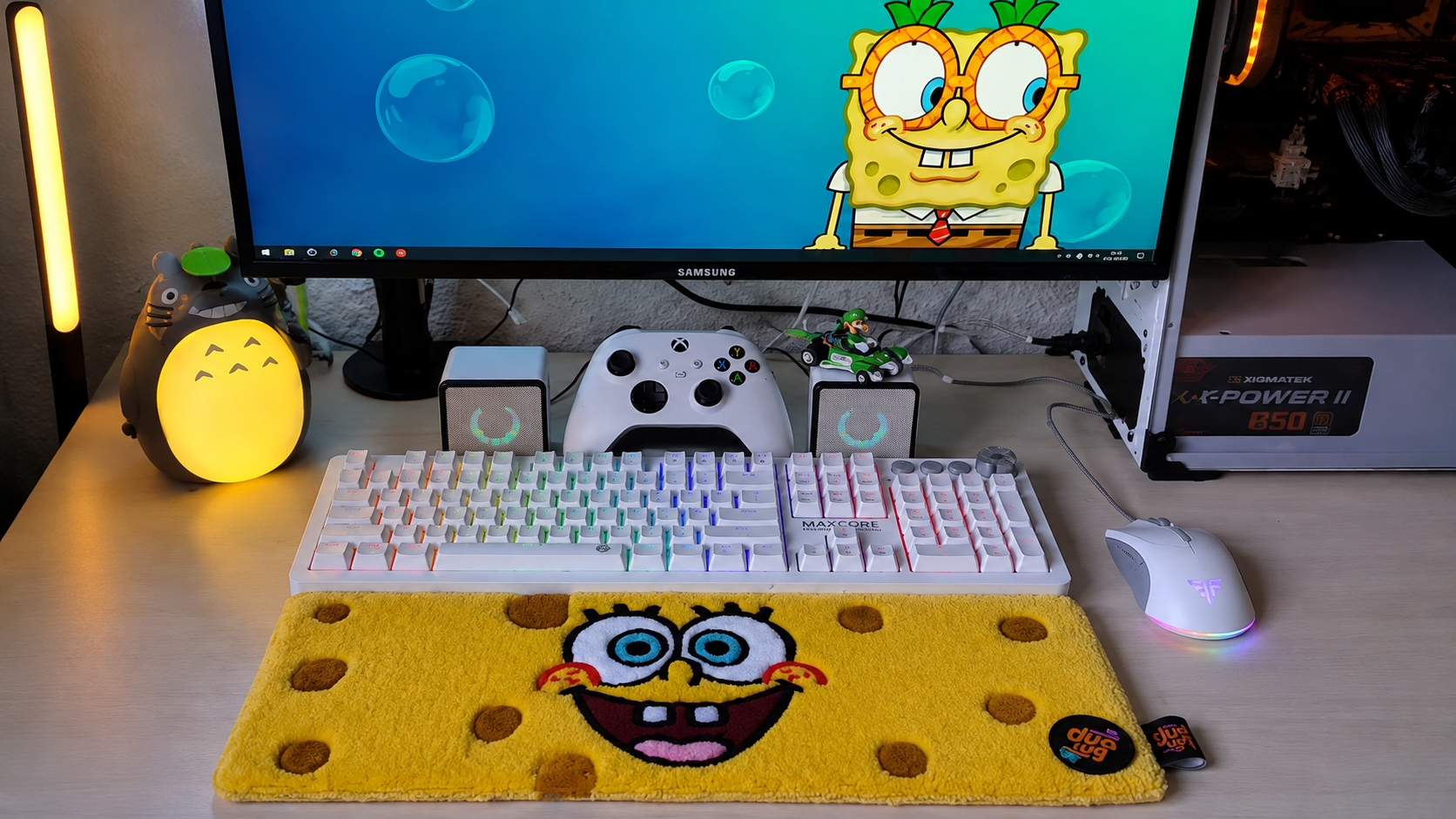
Quick Takeaways
- A Gaming Keyboard Rug sits on your desk, under your keyboard and mouse — it’s a different product from a floor rug
- Size according to your desk space requirement whether you need keyboard-sized, full-size or L-shaped desk coverage.
- The surface texture influences your wrist comfort and mouse glide ability.
- Personalization is the primary factor that makes players prefer the keyboard rug rather than the standard desk mat because the player can add their design, tag, and RGB compatible colors to it.
- For streamers, a keyboard rug is something that is going to be seen on camera, so you should consider this an aesthetic choice, too.
Most gaming desk guides talk about the floor. However, the one part of the surface that receives the least attention is right below your hands, where your wrists lay resting for hours at end.
This is where a keyboard rug will help, which is nothing but a soft rug laid on your desk surface below your keyboard and mouse.
That is how you should consider things like size, comfort, personalization options, and streaming when choosing one for yourself.
What Is a Best Keyboard Rug?
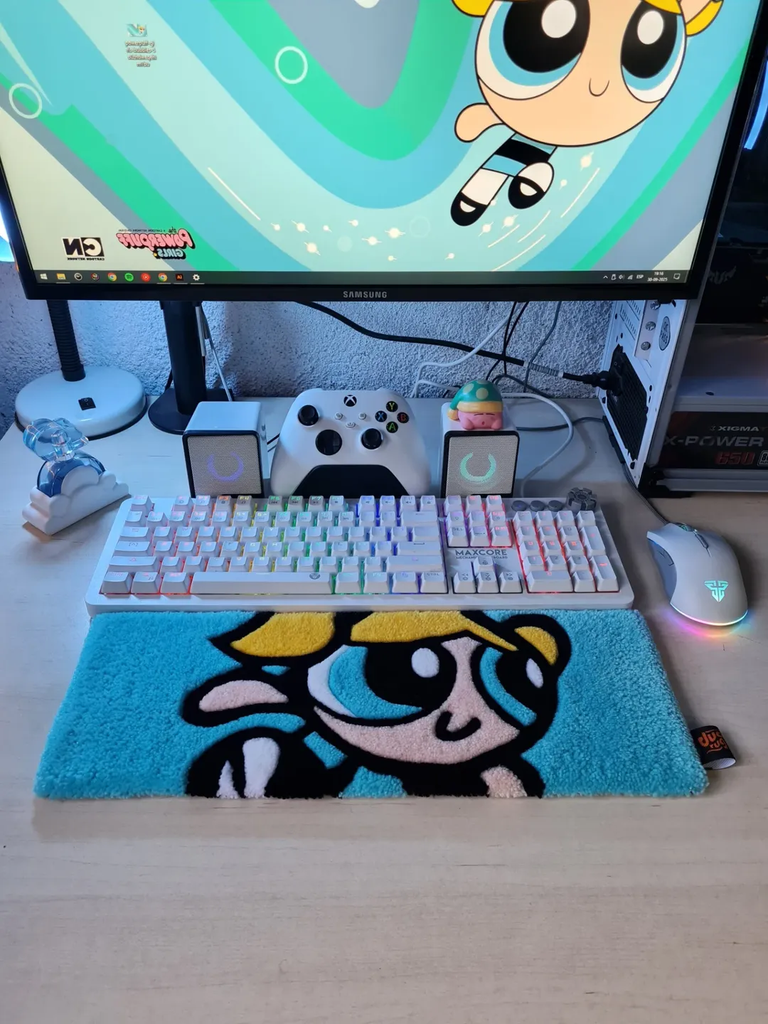
A keyboard rug is an accessory for the desk and not a floor rug. The keyboard rug lays flat on the surface of your desk and lies below the keyboard and mouse. While a floor rug must be designed to withstand the effects of footsteps and the movements of your chair, a keyboard rug need only be able to withstand activities that take place on your desk, such as typing and use of the mouse.
Desk Accessory, Not a Floor Rug
Because a keyboard rug lives on the desk, it’s sized and chosen differently than anything meant for the floor. Pile height, backing, and surface texture all matter here, but for different reasons — comfort under your wrists and consistent mouse tracking, rather than durability against rolling chair wheels.
Sizing a Keyboard Rug to Your Desk
Size is determined by the amount of coverage you need on your desk surface.
Keyboard-Only vs Full-Desk Coverage
Some people want a rug that covers just the keyboard and mouse footprint — enough room to type and move the mouse comfortably. Others prefer a full-desk rug that extends across the entire surface, giving a more unified look and covering monitor stands, speakers, and accessories too. Neither is more “correct” — it comes down to how much of your desk surface you want to visually and physically change.
Fitting Around Monitor Arms, Speakers & Cable Channels
If your desk has a monitor arm clamp, a speaker stand, or a built-in cable channel, measure around those before choosing a size. A rug that runs right up to a clamp base can bunch or lift unevenly, and a rug that covers a cable channel can make routing and re-routing cables more of a hassle than it needs to be. Measuring your actual desk layout — not just the desk’s overall dimensions — will save you a return.
Single Desk vs L-Shaped Desk Sizing
An L-Shaped desk is a little more difficult to measure since you will be trying to determine whether to get a rug that fits just the keyboard end of the desk or whether to get one that can stretch to fit both ends, with the keyboard being one of them. When using the second part of an L-Shaped desk for a controller, tablet, or monitor, take it into consideration.
Desk Comfort: What You Feel Under Your Wrists
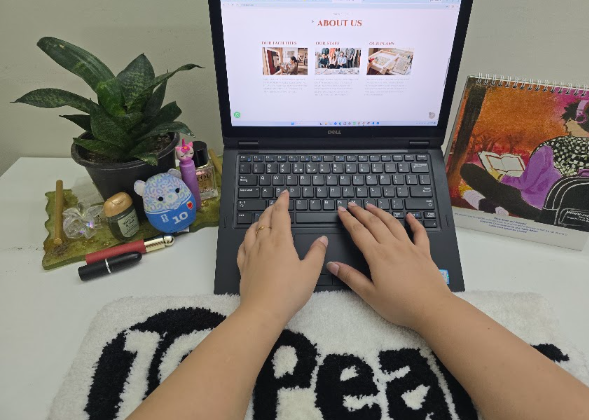
This is the part a floor rug can’t help with — how the surface feels during a long typing or gaming session.
Thickness and Wrist Support During Long Sessions
A thin, flat weave will feel closer to a standard desk mat, while a slightly thicker rug adds more cushioning under the wrists. Thicker isn’t automatically better, though — a rug that’s too plush can shift under your hands while typing, which some people find distracting during fast-paced gameplay. If you type or game for hours at a stretch, testing a mid-range thickness first is a reasonable starting point before going thicker or thinner.
Surface Texture and Mouse Tracking
Mouse tracking is sensitive to surface texture. A tighter weave results in more reliable tracking compared to loose and high-pile weave which can affect the capability of the optical or laser sensors from detecting the motion. In case accurate control of your mouse is important in your gaming style. Choose a surface that is flat and has tighter weave for the mouse area even though the entire rug may have a different texture.
Customization: Making the Desk Match Your Setup
For a lot of people, this is the real draw of a keyboard rug over a generic desk mat — it’s a way to bring your own design directly onto your desk.
Using Your Own or Licensed Artwork
If you have artwork you own the rights to — original art, a design you’ve licensed, or something a designer made for you. A custom keyboard rug is a way to put it somewhere you’ll see it every session. Pile & Loop’s keyboard rugs collection, which the brand also lists under gaming desk rugs and gaming setup rugs, supports designs made from customer-owned or authorized artwork.
Gamer Tags, Logos & Team Branding
A keyboard rug is also a straightforward way to add a gamer tag, personal logo, or team emblem to your desk without covering a wall or shelf. For competitive teams or small studios, this can extend to matching rugs across multiple desks — a shared visual identity that’s more subtle than branded wall decor.
Coordinating Colors with RGB Lighting
If your setup is built around RGB lighting, color coordination is worth thinking through before ordering. A dark, neutral base (charcoal, black, deep blue) tends to let LED lighting stand out more than a busy or light-colored rug would. Keep in mind that a digital color preview and a dyed or printed physical product won’t always match exactly — it’s worth asking the seller what to expect before finalizing a custom color.
Built for Gaming & Streaming Desks
If your desk setup is ever on camera, the keyboard rug isn’t just something you feel — it’s something your audience sees too.
On-Camera Desk Appearance for Streamers
Streamers will find that the desk surface is featured in their webcam shots and overheads more than the floor surface. Using a keyboard rug that matches the branding of your stream will be an easy and convenient way to create a constant visual effect without having to make a full change to your desk.
Matching Rugs for Team or Studio Setups
For teams or studios running multiple desks, ordering matching or coordinated keyboard rugs is a simple way to create a consistent look across every station — useful for group streams, tournament setups, or shared studio spaces where visual consistency matters.
FAQs
What size keyboard rug do I need for my desk?
Measure the area occupied by your keyboard and mouse including some inches of margin, or measure your entire desk if you want complete coverage.
Does a keyboard rug affect mouse sensor accuracy?
Yes, if the surface is loose or high-pile. A tighter, flatter weave tracks more consistently.
Can I get a custom keyboard rug with my own design?
Yes. Pile & Loop offers custom keyboard rugs using customer-owned or authorized artwork, gamer tags, logos, or color matching. Ask through their contact page.
Is a keyboard rug the same as a desk mat?
No. A desk mat is thin and built mainly for mouse tracking. A keyboard rug is softer and more customizable.
How do I size a keyboard rug for an L-shaped desk?
Determine whether you only require the keyboard area or the whole L-shaped section. The second surface is required in case you use it for a monitor or any other equipment.
Bottom Line — Shop Pile & Loop’s Keyboard Rugs
The right keyboard rug comes down to matching size to your desk layout, choosing a texture that supports both comfort and accurate mouse tracking, and — if it matters to you — personalizing it to fit your setup or your stream. Ready to find the right one for your desk? Browse Pile & Loop’s keyboard rugs, or get in touch to ask about custom options.