
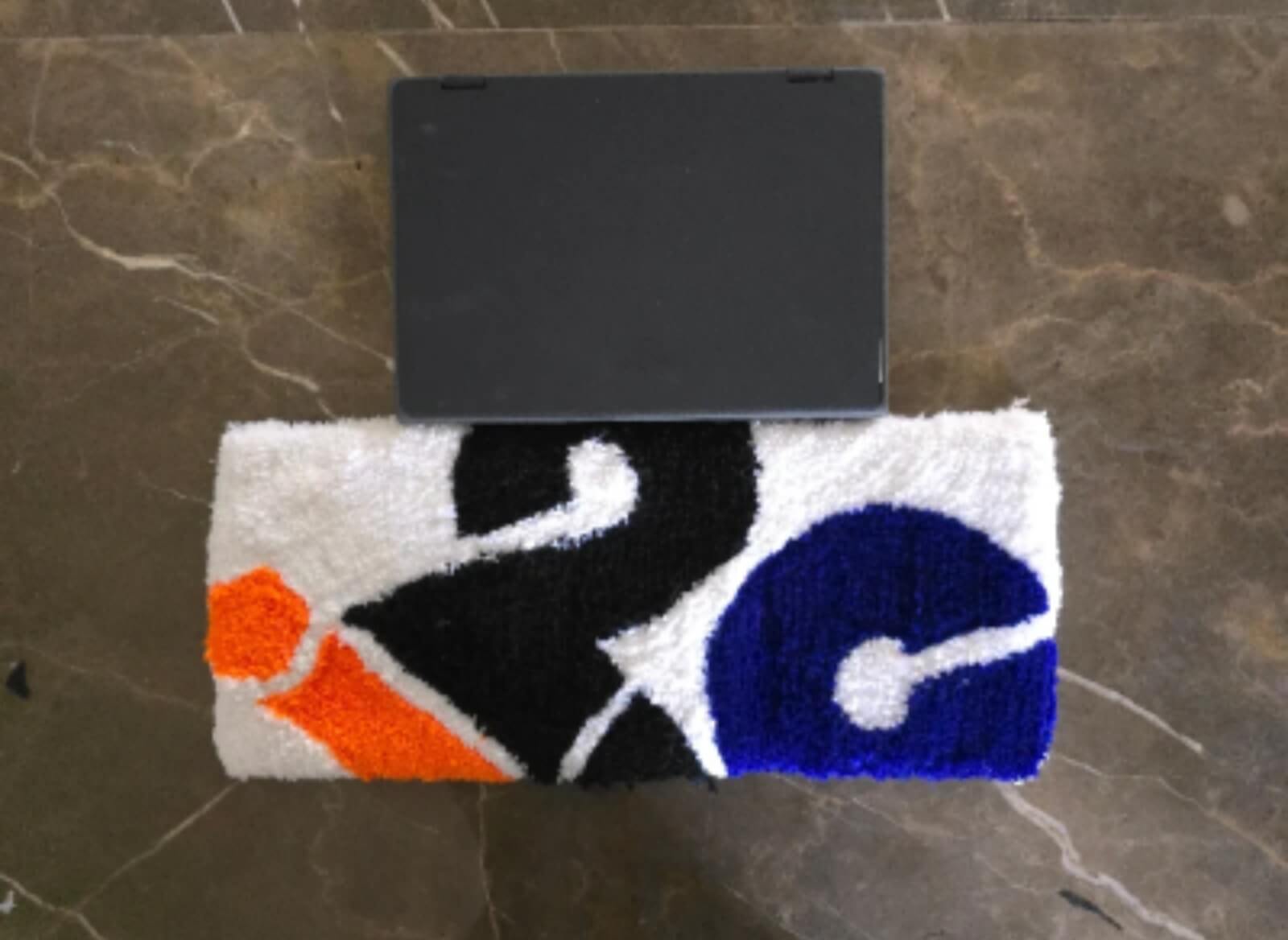
When a company wants to freshen up its office, the first thought is often to replace desks, chairs, or full workstation setups. This usually means new furniture, new equipment, and a lot of planning across the whole office. But this is not always needed. In many offices, the desk works fine, the chair works fine, and the keyboard and mouse work as they should. What feels a bit outdated is how the desk looks, not how it works.
This is where a keyboard rug can help. It is a small item that sits around the keyboard area on a desk that is already in use. It does not ask the company to buy new furniture or swap out any equipment. It simply sits on the desk surface, around the space where the employee already works, and gives that area a different look.
Companies do not have to update every desk in the same way or all at once. Some may want to try it on a few desks first, or in one team, before deciding whether to use it more widely. What matters is that the update can be small, based on the space on the desk, the number of employees, and the general style the office already has.
Why Upgrade Existing Workstations Instead of Replacing Everything?
Replacing a full workstation takes more than swapping one item. It usually means removing the old desk, bringing in a new one, and often changing the chair, keyboard, and mouse as well. For one desk, this might not take long. But for an office with many desks, this turns into a bigger project with more cost and more time spent moving things around.
In a lot of cases, this kind of full replacement is not really needed. The desk still works fine for daily use. The keyboard still works. The mouse still works. What has changed is that the office wants a different look, or wants the space to feel more organized, or wants to bring in something related to the company’s branding. None of these reasons call for replacing equipment that is still doing its job.
This is why some companies look at smaller updates instead of a full workstation change. Rather than replacing everything, they add one item that changes how the desk looks without touching the parts that are still working. A keyboard rug is good option for this kind of update. It sits on the desk that is already there, works with the keyboard that is already being used, and does not require any other part of the workstation to change.
What Is a Keyboard Rug and Where Does It Fit?
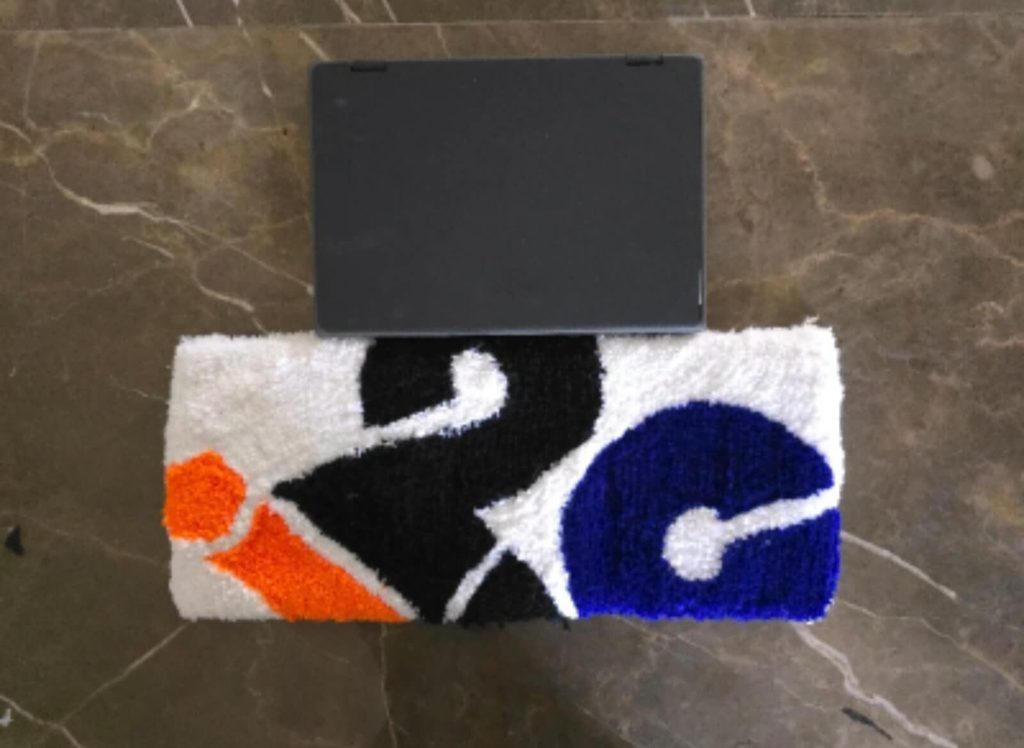
A keyboard rug is a flat piece of fabric that sits on a desk, placed under or around the keyboard and mouse. It sits on top of the desk surface, in the area where the employee’s keyboard already is, and gives that space a slightly different look.
The rug is placed where the employee’s hands already work through the day, which is the keyboard area. The keyboard sits on the rug, or partly on it, and the mouse has its own space on the rug too. Nothing about how the employee uses the keyboard has to change. It stays where it is before, just now resting on the rug instead of on the bare desk.
It helps to be clear about what a keyboard rug is not. Replacing a desk surface means removing the top of the desk and putting in a new one, which changes the whole surface the employee works on. A keyboard rug does not do this. It does not touch the desk underneath, and it does not change anything about the structure of the workstation. It works more like an accessory, just covering a bit more space around the keyboard as well. Its role stays focused on that one part of the desk.
How a Keyboard Rug Can Update an Existing Workstation
Refreshing the Desk’s Appearance
A desk that looked fine when it was first set up can start to feel plain after a while, especially if nothing about it has changed in a long time. This does not mean anything is wrong with the desk. It just means the same look has been there a while, and a small change can shift how it feels.
Adding a keyboard rug is one way to bring some change into that space without buying new furniture. The colour of the rug, the pattern, or a design connected to the company can be picked based on what fits the office. A plain desk with a rug that has some colour or pattern will look different from the same desk without it. The desk itself has not changed, but the look of that part of the desk has.
Creating a More Defined Keyboard and Mouse Area
On a regular desk, the keyboard can end up blending into the rest of the desk surface, without any clear line between the work area and everything else on the desk. A keyboard rug gives that area a clear boundary. Instead of the keyboard sitting somewhere on an open desk surface, the rug marks out where that space begins and ends.
This can make the desk feel more organized, since there is now a visible section for the keyboard rather than an open surface with no clear layout. It gives that part of the desk a settled, defined look, which is often the part of the workstation people notice first.
Adding a Personal Touch to Employee Desks
Companies do not have to use the exact same design on every single desk. Some businesses may prefer to give different teams their own version of the rug, using different colours or patterns while keeping the overall style connected. Others may want employees to have some choice in which design they get, from a set of options the company has picked.
This kind of flexibility means the update does not have to feel forced or the same everywhere. One team’s desks could have one look, while another team has a different one, and both can still feel like they belong to the same office. The choice comes down to what the company prefers, based on how teams are set up or what employees like.
Custom Keyboard Rugs for Company Workstations
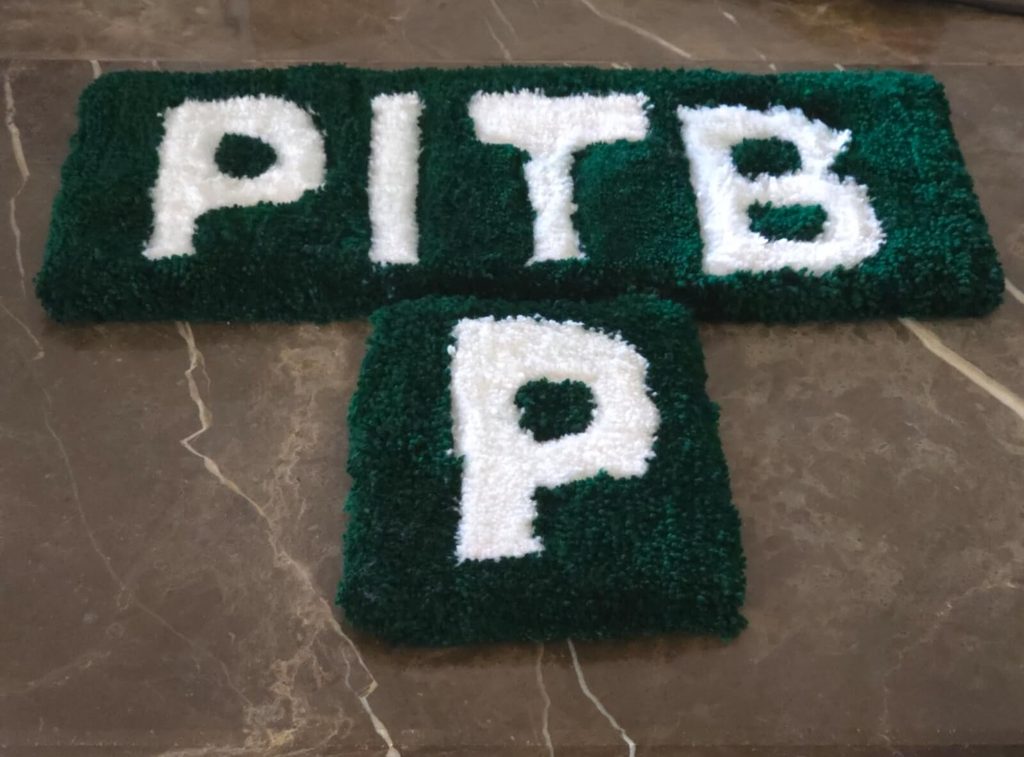
Some companies want their workstation accessories to reflect their brand rather than use a general design. This is where custom keyboard rugs come in. Instead of picking from a set of ready made patterns, the company can work on a design built around what they want the rug to show.
A custom design could include:
- The company’s logo placed somewhere on the rug.
- The company’s brand colours used as the main colours.
- A simple pattern that fits the general style of the office.
- A design made for one team or department.
- Other artwork the company wants to use, as long as it fits the format of a keyboard rug.
Whatever direction the design takes, it needs to work with the desk space and the keyboard and mouse setup the employee already uses. A design that looks good on its own but does not fit the size of the desk, or does not sit well with the keyboard and mouse placement, will not work as well once it is actually in use. This is worth thinking through before settling on a final design.
Using Company Branding Without Changing the Whole Workspace
Many companies want their branding to show up somewhere in the office, but not every company wants to go through a full change of the workspace to do that. Changing walls, furniture, or the layout of the office just to add a logo somewhere takes a lot of effort for a fairly small goal.
A branded keyboard rug gives a smaller way to do this. Since it sits on a desk that already exists, it does not require changing anything else in the workspace. The company logo or the brand’s main colours can be placed on the rug, and that alone can bring some of the company’s identity into the employee’s daily workspace, without touching the furniture or the layout of the office.
The design still needs some care. A logo that takes up too much space, or colours that clash, can make the desk look cluttered rather than clean. The goal is for the branding to be visible without taking over the whole rug or making the desk feel too busy.
Choosing Keyboard Rugs for Different Employee Workstations
Desks within the same office can be different from one another. One employee might have a desk with a fair amount of open space, while another has a smaller desk with less room around the keyboard and mouse. Keyboard and mouse placement can also shift a bit from person to person, depending on how each employee has set up their desk.
Before ordering rugs for a number of employees, it helps to look at a few things directly, rather than assuming every desk is set up the same way:
- How much open desk space is available around the keyboard.
- Where the keyboard is usually placed on each desk.
- The general design style already used in the office, so the rug design fits in.
- How individual employees tend to use the space around their keyboard.
Skipping this step and ordering the same size and design for every desk without checking can lead to rugs that do not sit well on some desks, either because there is less space than expected or because the keyboard is placed differently than assumed. Taking the time to check this beforehand can help avoid that.
Updating Workstations Across Teams or Departments
When a company plans to update a number of desks, there are different ways to approach it, and the right one can depend on how the company works. A few common options include:
- Using one design across the whole office, so the keyboard rugs look the same everywhere.
- Giving each department or team its own version of the design, while keeping some shared elements.
- Using branding focused designs in areas where clients or visitors are more likely to see the desks.
- Making small variations between teams, such as different colours, while keeping the overall pattern similar.
Each of these options works differently depending on how the office is set up and what the company wants people to see. A company that wants a strong concept of consistency across the office might lean toward one design for everyone. A company with distinct teams might prefer some variation so each team has its own look.
Keeping a few elements the same across all the designs, even when there is variation, can help the desks feel connected. This might mean using a similar colour palette across teams, or keeping the logo in the same place on the rug, even if the background design changes. This way, the desks can still feel like they belong to the same office, even with some differences between them.
Things to Check Before Ordering Keyboard Rugs for Employees
Before placing an order, especially for a number of desks, it helps to go through a short checklist. This can help avoid issues later, such as rugs that do not fit well or designs that need to be redone.
- Check the desk space available around the keyboard on each desk.
- Confirm the current keyboard setup, including where it usually sits on the desk.
- Decide whether the company wants a standard design or a custom one built around the brand.
- Check the quality of any logo or artwork file before it goes into the design, since a low quality file can affect how the final rug looks.
- Work out how many workstations need to be updated, since this affects the planning and the order size.
- Decide whether every employee will get the same design, or if there will be different designs for different teams.
- Review the final design and details one more time before the order is placed, to catch anything that might need adjusting.
Going through this list before ordering, rather than after, can save time and avoid having to fix things once the rugs have already arrived.
How Pile & Loop Can Fit Into a Workstation Upgrade
For companies thinking about custom keyboard rugs as part of updating their workstations, Pile & Loop is a place to start that conversation. This means sharing the design ideas the company has in mind, along with details like size, colour, or branding elements, and working through the specifics from there.
Every request is reviewed before the production, it helps to have a general idea of the existing workstation setup. This includes the desk space available, the current keyboard arrangement, and how many workstations are being considered for the update. Having this information ready can make it easier to settle on a design that fits the desks it is meant for.
Conclusion
A full workstation replacement is not the only way to make an office feel more current. A smaller change, like adding a keyboard rug, can shift how a desk looks without touching the parts that are already doing their job. It gives the keyboard area a clearer shape and can bring some freshness to a desk that has looked the same for a while.
For companies that want their workstations to reflect their brand or match their office style, custom keyboard rug designs are worth looking into. If you are looking to update existing employee workstations without replacing the complete setup, take a look at custom keyboard rug options from Pile & Loop and talk through a design that fits your company’s desks and branding needs.
FAQs
Can a keyboard rug be added to an existing office workstation?
Yes. A keyboard rug sits on top of the desk that is already in place, so it does not require the company to replace the whole workstation. The desk, chair, keyboard, and mouse can stay as they are.
What should companies consider before adding keyboard rugs to employee desks?
It helps to check the available desk space, the current placement of the keyboard and mouse, the design the company wants to use, and how many workstations will need to be updated. Checking these details ahead of time can help prevent sizing or placement issues later.
Can companies use their logo on custom keyboard rugs?
Yes, companies can ask about adding their logo or other branding elements as part of a custom design. The logo should be placed in a way that fits the size of the rug without making the design feel too crowded.
Should every employee have the same keyboard rug design?
Not necessarily. Some companies prefer one design across the whole office, while others choose different designs for different teams or departments. Both approaches can work, depending on what the company prefers.
How can companies make sure a keyboard rug fits the existing workstation?
Checking the desk layout, the available space, and the current keyboard and mouse placement before ordering can help in choosing the right dimensions for each desk. This step can be useful when ordering rugs for a number of employees at once.
Research Resources
Source title
Corporate Logo Mats Brand Identity with Every Step
Publisher
Xpress Mats
https://www.xpressmats.com/create-brand-identity-with-corporate-logo-mats
Information used
How branded logo rugs support used in offices to upgrade the workstation, and why accurate logo/colour reproduction matters for a branding product to work as intended.