
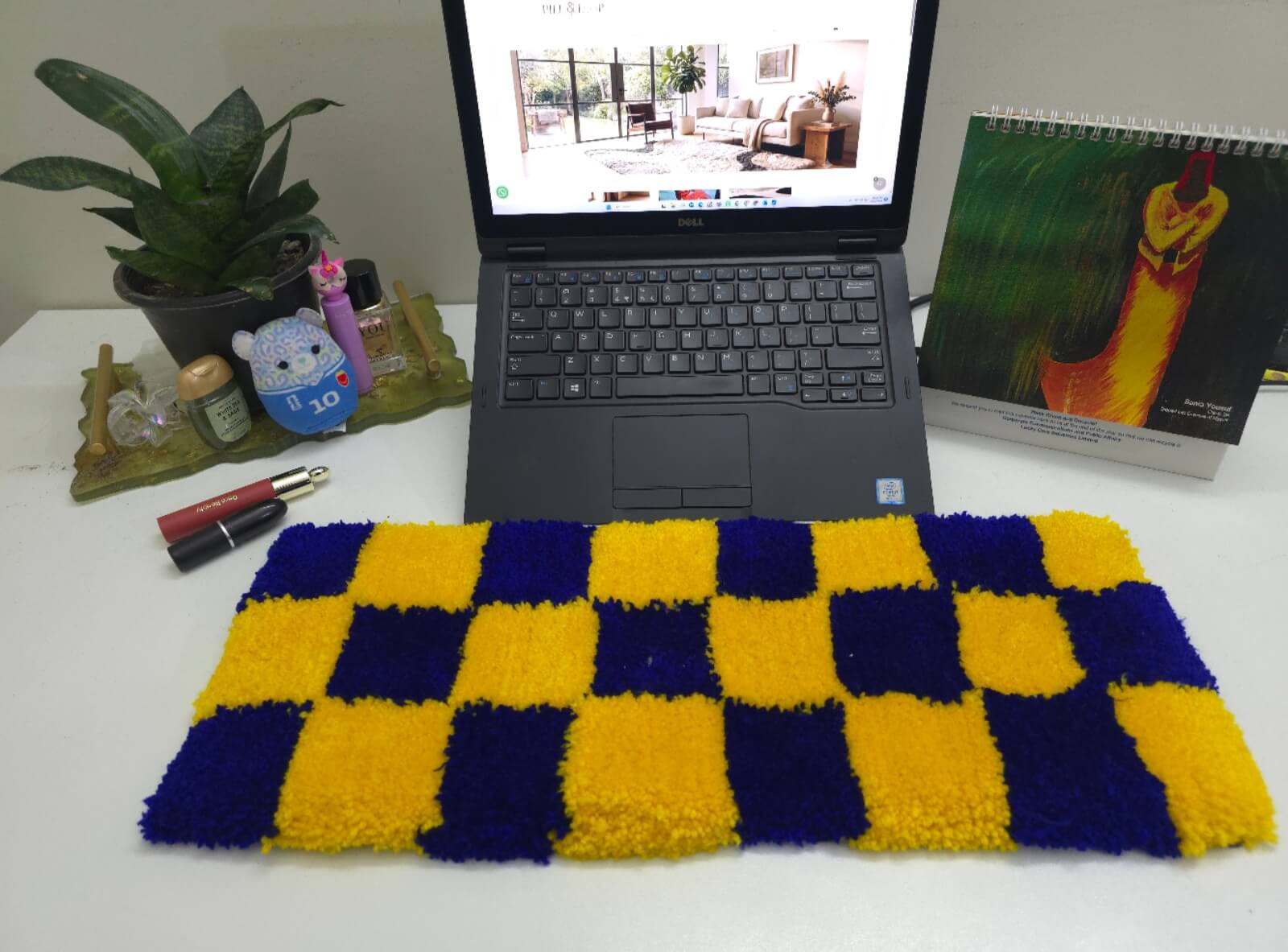
Have you ever noticed a small rug sitting on a desk, right where someone’s hands and wrists rest while typing, and wondered what it’s actually for? It is not just a random piece of fabric. A keyboard rug is a small, desk sized rug made to sit against or in front of your keyboard, covering the spot where your wrists, forearms, and elbows touch the desk during long stretches of computer use.
It is not the same as a floor rug, and it is not the same as a full desk mat either. This article walks through what a keyboard rug actually does, where it sits, how it compares to a desk mat, who might find one useful, and what to check before buying one.
What Is a Keyboard Rug?
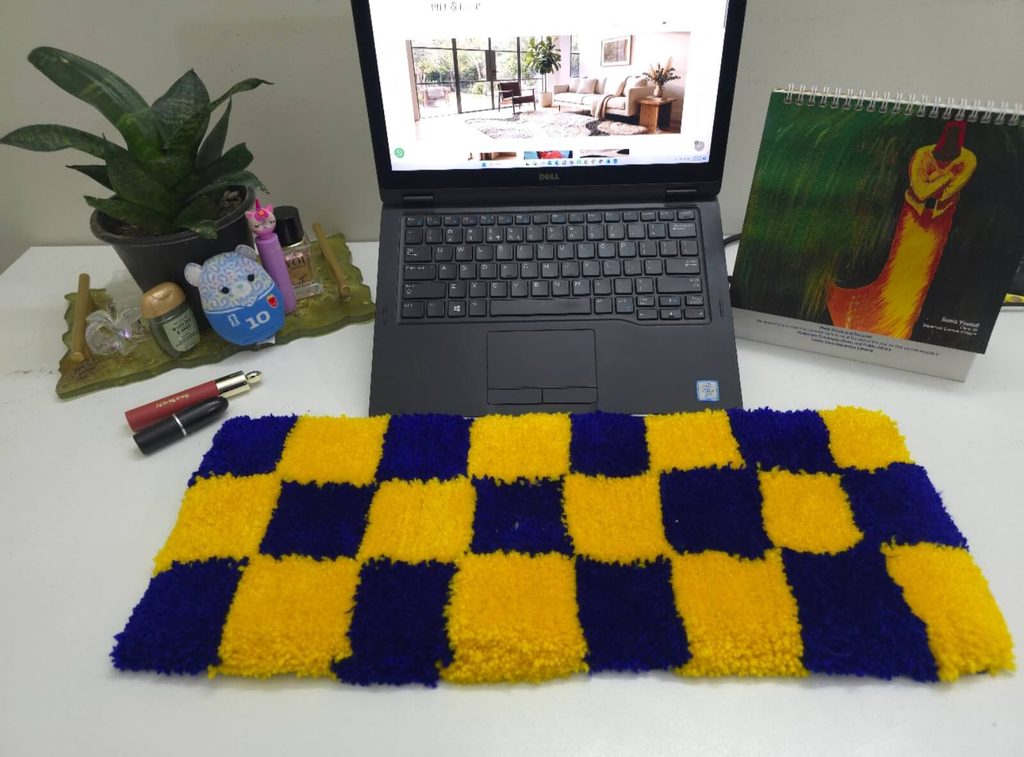
A keyboard rug is a smaller rug made for a desk, not a floor. It sits against or in front of the keyboard, in the exact spot where your wrists, forearms, and elbows rest while you type. Depending on how big it is, it may also stretch a little underneath the keyboard itself, or cover space near the mouse.
The main idea behind it is that it gives you a soft surface between your skin and a hard desk. Instead of your wrists and forearms resting directly on wood, laminate, or metal for hours at a time, they rest on something softer.
Where Does a Keyboard Rug Sit and Why?
Placement matters here. A keyboard rug is meant to sit against or in front of the keyboard, covering the desk-contact area, meaning the part of the desk where your wrists, forearms, and elbows naturally land while you work or play. The bigger the rug, the more of that contact area it covers.
The purpose behind this placement is to give you a softer surface to rest on instead of a hard desk. Over a long work session or a long gaming session, your skin is in contact with the desk for hours. A soft surface there may help cut down on the everyday friction and rubbing that comes from that kind of prolonged contact.
A keyboard rug is a comfort accessory for the person using the desk, not a medical product. What it does is give you a softer place to rest your hands and arms instead of a hard one.
Keyboard Rug vs. Desk Mat: What’s the Difference?
Keyboard Rug
A keyboard rug is smaller and placed in one specific spot, against or in front of the keyboard. Its job is to cover the area where your wrists, forearms, and elbows land while you are typing or gaming. It is not to cover your whole desk. If you get a bigger size, it might stretch a little further, maybe under part of the keyboard or close to the mouse, but the main focus stays on that wrist-to-elbow contact area. You pick the size based on how much of that area you want covered, not based on how much of your desk you want to hide.
Desk Mat
A desk mat is built differently. Instead of focusing on one contact area, it is made to cover a much larger section of the desk in one go. Most desk mats are big enough to hold your keyboard, your mouse, and often a bit of extra space around both, all on the same surface. So instead of thinking about wrist comfort specifically, a desk mat is more about giving your whole work area one flat, even surface to use.
Which One Makes More Sense for You?
If you are trying to decide between the two, it really comes down to what you want out of it. A keyboard rug will work if your main concern is having a softer surface where your wrists and arms rest for long stretches of typing or gaming. A desk mat will work if you want one single surface that holds your keyboard, mouse, and other items together, without worrying about the wrist-contact area specifically.. They are just built to do different jobs.
Why Do People Use Keyboard Rugs?
Gaming Setups
Placed against or around the keyboard, a keyboard rug can sit alongside other gaming desk accessories without taking over the whole desk.
Home Offices
For anyone spending long hours at a computer for work, a softer surface can reduce direct contact between the wrists and forearms and a hard desk during extended computer use
Study Desks
Students sitting at a desk for long stretches of studying or typing, may prefer the same softer contact surface during long study or typing sessions a keyboard rug provides.
Creator and Streaming Setups
People working in photography, video editing, or streaming often spend just as many hours at a keyboard as office workers do, and the same wrist-to-elbow contact area applies.
Gifts and Personalized Desk Accessories
For someone who spends a lot of time at a desk, a keyboard rug can be a practical accessory that gets used every single day, not just something that sits there unused.
Can You Customize a Keyboard Rug?
Customization options vary by maker.This usually depends on the maker, so it is important to check what is actually offered before you assume anything.
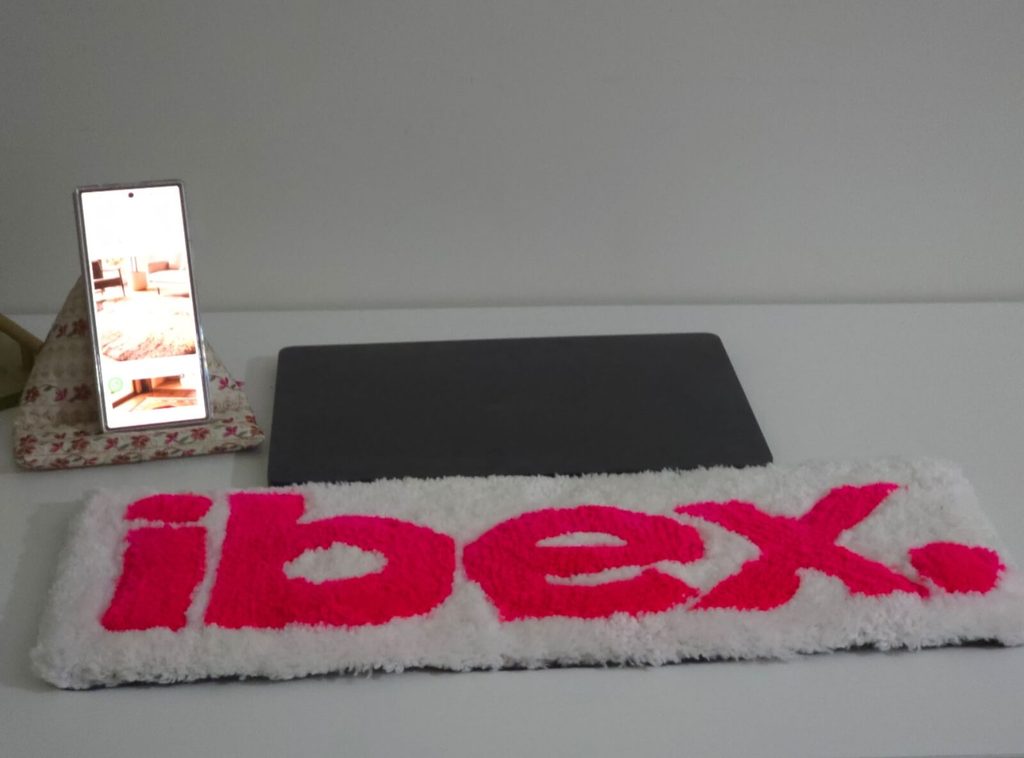
Personal artwork: Some makers let you send over your own artwork or design and it is tufted into the rug. This is common for people who want something that just looks like nothing else out there.
Names or text: Adding a name, initials, or a short bit of text is another common option. This works well if the rug is meant as a gift or if someone just wants their desk personalised.
Logos: If you run a business, stream, or just want your own logo on your desk, a lot of makers can work a logo into the design. This is also common for office setups where a company wants to hand out branded desk accessories.
Artwork you already own: If you already have artwork or a design you would like to use, as long as it fits the process to make the rug.
Custom shapes: Depending on who is making it, you might also be able to get a shape that is not just a plain rectangle. This depends a lot on what the maker is able to produce, so it’s not something every maker offers.
Do You Actually Need a Keyboard Rug?
A Keyboard Rug May Suit You
If you spend long hours typing or gaming, a keyboard rug can give your wrists and forearms a softer surface to rest on instead of the bare desk. If you already use a mechanical or gaming keyboard, a rug like this can sit naturally alongside it. If you like the idea of having your own name, logo, or artwork somewhere on your desk, this gives you a spot for that. And if you are looking for something to give someone who spends a lot of time working or gaming at a desk, it is a practical option since it gets used daily rather than sitting around unused.
You May Not Need One
If you have one big surface that covers your keyboard and mouse together, a keyboard rug is not really built for that, a desk mat would suit you better. If you want something you can wipe clean in a few seconds without thinking about it, a textile rug might not be the easiest fit. If your current desk mat already does what you need, there is no reason to add a keyboard rug on top of it. And if you keep your desk as simple as possible with as few extra items as you can, this probably is not something you need to add.
What Should You Check Before Buying One?
Size: Measure your actual desk space first, including the area around your keyboard and mouse. Check the exact dimensions listed for the rug before you order, since sizes can vary a fair amount between products.
Material: Look into what the rug is made from and how that feels under your wrists during long sessions. Some materials will suit your setup better than others, so it is important to check before buying.
Design: Decide if you want something simple, or if you want to go with a logo, custom artwork, or a specific design. Think about how well it can be customized and how it will sit alongside the rest of your desk.
Maintenance: Check what kind of care the rug needs. Handmade or tufted rugs often come with specific cleaning instructions, so it is worth reading those before you buy.
How Do You Care for a Keyboard Rug?
Care depends a lot on the material and how the rug is made, so always start with the manufacturer’s instructions. A few general habits that apply across most keyboard rugs:
- Remove dust regularly with gentle cleaning
- Deal with spills right away instead of letting them sit
- Avoid soaking the rug unless the care instructions say it is fine
- Skip harsh scrubbing or cleaning products that are not suited to the material
- Keep food and drinks away from the rug where you can
Pile & Loop Keyboard Rugs: Where They Fit
Pile & Loop keyboard rugs are primarily designed to sit against the keyboard and cover the desk-contact area from the hands/wrists toward the forearms and elbows. Depending on the selected size, the rug may also extend underneath the keyboard.
Conclusion
A keyboard rug is not something every desk needs, but for anyone spending long hours typing or gaming, it offers a softer contact surface where your wrists and forearms meet the desk. The right choice for you depends on your desk space, the size you need, the material, how much upkeep you are willing to do, and what you personally prefer. If that sounds like something your desk could use, Pile & Loop’s customizable keyboard rugs are worth a look.
FAQs
What is a keyboard rug?
A small rug made to sit against or in front of a keyboard, covering the area where your wrists, forearms, and elbows rest on the desk.
Is a keyboard rug the same as a desk mat?
No. A keyboard rug focuses on the wrist-to-elbow contact area near the keyboard, while a desk mat typically covers a much larger part of the desk, including the keyboard and mouse together.
What size keyboard rug should I choose?
Measure your desk space, including the area around your keyboard and mouse, and check the exact dimensions of the rug before ordering.
Are keyboard rugs suitable for gaming setups?
Yes. They sit well alongside other gaming desk accessories and cover the same wrist and forearm contact area used during long gaming sessions.
Are Pile & Loop keyboard rugs customizable?
Yes, within what is feasible for the design and production process.
Can I use my company logo/custom artwork on a keyboard rug?
Pile & Loop can review company logos and customer-owned or authorized artwork for customization. Final feasibility depends on the design, size, colours, and production requirements.
Research Resources
Source title
Desk Mat Guide for Mechanical Keyboards
Publisher
https://kineticlabs.com/blog/desk-mat-guide-mechanical-keyboards?utm_source=chatgpt.com
Information used
Keyboard Rug vs. Desk Mat. What is difference in their size and the different role they both play.
Source title
GG Tufting
Publisher
https://ggtufting.com/en/blogs/tufting-blog
Information used
Materials, keyboard setups, and choosing a mat based on the user’s desk arrangement and keyboard rugs for gaming setup.