
Quick Takeaways
- Size your rug with your chair’s full roll radius in mind, not just your desk footprint
- A floor rug and a keyboard rug solve different problems
- Low pile rugs are normally easier to roll up and maintain than high pile rugs.
- A regular cleaning routine helps a gaming rug hold up over time
- Custom sizing and personalization are worth asking about if you want the floor and desk to match your setup
You’ve dialed in your monitor, your chair, your lighting. The floor and desk surface are usually the last things anyone thinks about — and the first things that start showing wear after months of rolling, spinning, and snack breaks.
Here’s how to think through pile height, sizing, durability, and cleaning, plus where floor rugs and keyboard rugs fit differently into a setup.
The best rug for a gaming setup may use a floor rug for the chair area and a keyboard rug to add a soft, personalised feature directly to the desk.
Size: Think About the Roll, Not Just the Desk
The most common sizing mistake is measuring the desk footprint and stopping there. Your chair moves — forward to reach the keyboard, back to lean, side to side to grab something off a shelf. If the rug does not fully cover the area, then the chair may grab the edge of the rug or roll onto bare flooring.
An easy way to understand this is to sit down in your chair and get into the postures you normally do during your sessions and mark the furthest points in each direction.
As general guidance (not an exact rule — measure your own setup, since chairs and desks vary), rug and furniture retailers commonly suggest:
- Extending the rug roughly 24–30 inches behind a desk chair so the back casters stay on the rug when you lean back or push away from the desk
- Leaving about 18–24 inches of rug beyond the desk footprint on each side
- Single-desk setup: a rug that extends comfortably past your chair’s forward and backward roll is usually enough
- L-desk or multi-monitor setup: you’re likely covering more floor space, so a larger area rug (rather than a compact mat) tends to work better
- Shared or streaming-corner setup: size for the full visible area, since this rug is also part of what’s on camera
For the desk itself, a keyboard rug only needs to cover the area under your keyboard and mouse, so sizing here is about desk fit rather than chair movement.
Comfort: What You Feel Under Bare Feet vs. Under Wheels
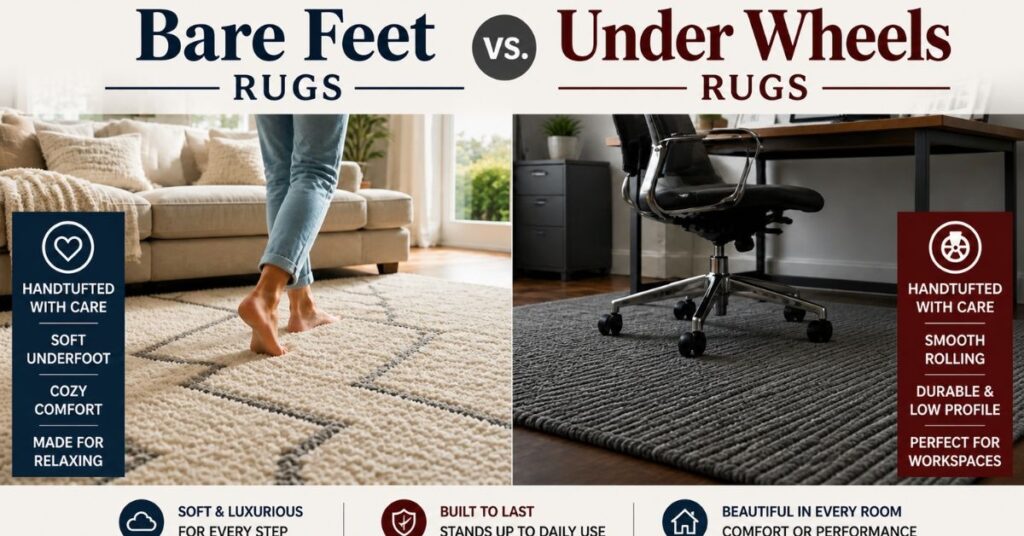
Thick-pile rugs may be cozy to walk on, but they will cause chair wheels to stick and will flatten out the rug.
If you work or play around while sitting on a rolling chair, then smooth rugs are ideal.
Durability: Designed For Repeated Use, Not Just Walking On
A living room rug deals with people walking across it a few times a day. A rug under a rolling chair deals with the same handful of square feet getting rolled over and shifted against, repeatedly, over a long period. This type of wear differs from foot traffic use. Select a rug that is suitable for high-traffic and rolling chairs.
Questions to ask before purchase:
- Is the pile dense enough to prevent snagging of rolling chairs?
- Is it backed with a non-slip surface to avoid slipping on hardwood floors?
- Is it described as appropriate for high traffic or rolling chairs?
Cleaning: A Routine, Not a Project
A regular cleaning routine helps any rug — gaming setup or otherwise — hold up over time.
General guidance from rug and carpet care resources includes:
- Weekly (or 2-3 times a week in frequently used areas): Vacuum using suction or low-pile settings to remove dust before it settles into the rug’s fibers.
- When necessary: clean stains using a damp cloth, but do not rub them.
- Periodically: rotate the rug so wear and any fading don’t concentrate in one spot.
- Every 12 to 18 months: Consider having a professional cleaning for the tough stains.
Always check the rug’s tag because certain fibers require a specific cleaning process.
Setup Style: Matching the Rug to the Room
Having all this in mind, you will be able to concentrate on the design aspects.
- RGB/neon colors: the perfect combination for a dark carpet (charcoal, black, dark blue).
- Minimalistic designs: a simple and non-patterned rug will help you avoid distractions.
- Filming locations: choose a carpet that will look especially good in camera.
- Room with a theme: a carpet with a design sets the theme of the room without wall posters.
Floor Rugs vs. Keyboard Rugs: Two Different Jobs
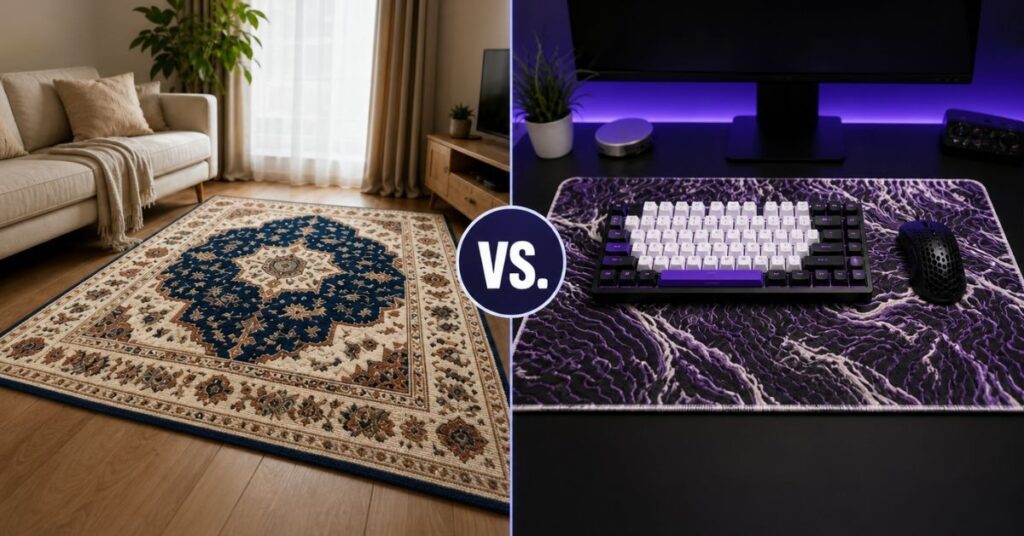
- A floor rug covers the area under your chair and desk. When choosing one for a gaming setup, look for a low-to-medium pile, a construction described as suitable for high-traffic or rolling-chair use, and non-slip backing, whichever brand or collection you’re shopping from.
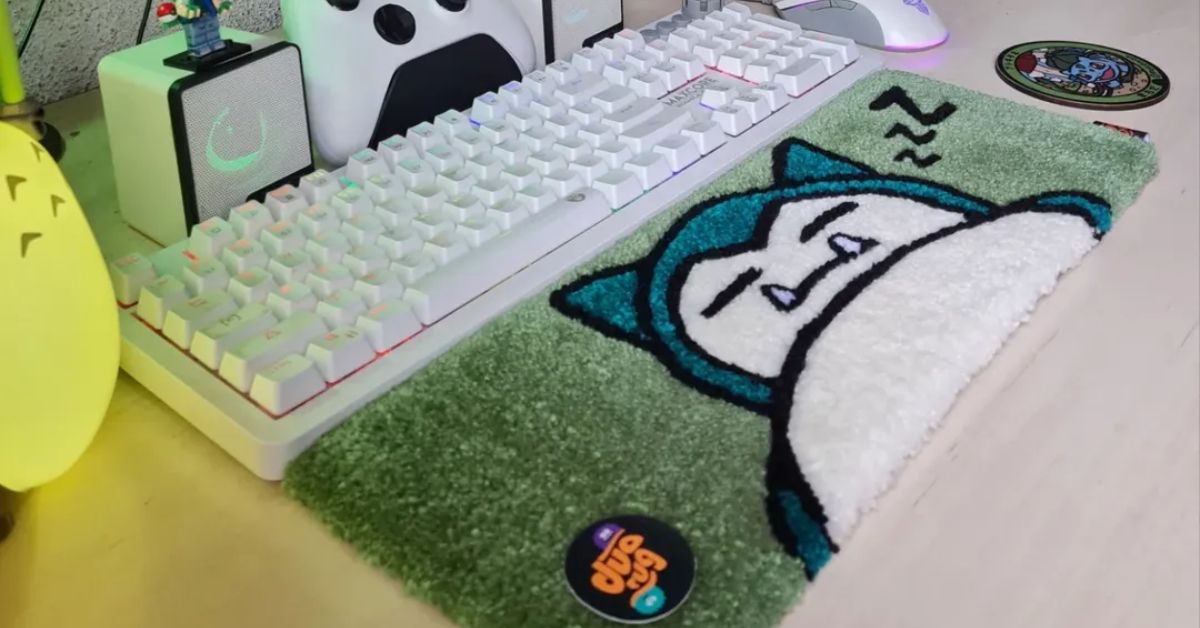
- A keyboard rug sits directly on your desk under your keyboard and mouse. Pile & Loop’s keyboard rugs collection — which the brand also markets as gaming desk rugs and gaming setup rugs — includes designs made using customer-owned or authorized artwork, so you can personalize the desk with imagery you have the rights to use.
If you’re building a setup from the ground up, pairing a neutral floor rug with a personalized keyboard rug lets you add personality on the desk without the whole room feeling overdone.
Custom Gaming Setup Rug Options
This being a personal gaming setup, customized options become important. In case you wish for your rug to blend in with your setup, ask the manufacturers if they can provide:
- Personalization using artwork, a gamer tag, initials, or a logo you own the rights to
- Nonstandard sizes apart from standard ones
- Colors which coordinate with your existing lighting (a perfect match cannot always be guaranteed between a digital representation and an actual, handmade or dyed product, so make sure you know what the seller can do)
- Bulk or matching orders, useful for streamers outfitting a studio or teams ordering matching setups
Pile & Loop offers custom keyboard rug options — reach out via their contact page to ask what’s currently available for personalization on the desk side.
FAQ’s
What size rug do I need for a gaming chair?
There’s no single fixed number, but a common starting point is to size the rug so the chair’s back casters stay on it even when you lean back or push away from the desk — often cited as roughly 24-30 inches of rug behind the chair. Test it against your own chair, since sizes vary.
Do gaming rugs need non-slip backing?
An ordinary area rug can be used to place your gaming spot because of its non-slip surface that prevents it from sliding while you are playing on it.
Can a regular area rug work for a gaming setup?
Often, yes — as long as the pile height and construction suit high-traffic, rolling-chair use. A rug meant for light foot traffic may wear out faster under constant chair movement.
What’s the difference between a gaming rug and a keyboard rug?
A gaming rug is placed beneath the chair and table, while the keyboard rug is placed on the desk, below the keyboard and mouse.
Bottom Line
The perfect gaming rug is based on your chair’s freedom of movement, going for a low to medium pile carpet that is suited for heavy foot traffic and rolling chair movement, together with easy maintenance.
Ready to find the right one for your desk? Browse Pile & Loop’s keyboard rugs, or get in touch to ask about custom options.
Sources
- Rug care and maintenance reference: https://eu.therugcompany.com/rug-care-and-cleaning/
- Gaming setup / ergonomic chair movement reference: https://bezome.com/blogs/insights/why-you-need-an-ergonomic-gaming-chair-for-better-performance-and-comfort?
- Pile & Loop product and customization pages: https://pileandloop.com/shop/